Custom Hawaiian Shirt Photo Artwork Resolution Checklist
· Development · Aloha & Co Editorial Team
Check photo pixels, final print size, repeat seams, template coverage, focal placement, text, mockups, and proof approval before production.
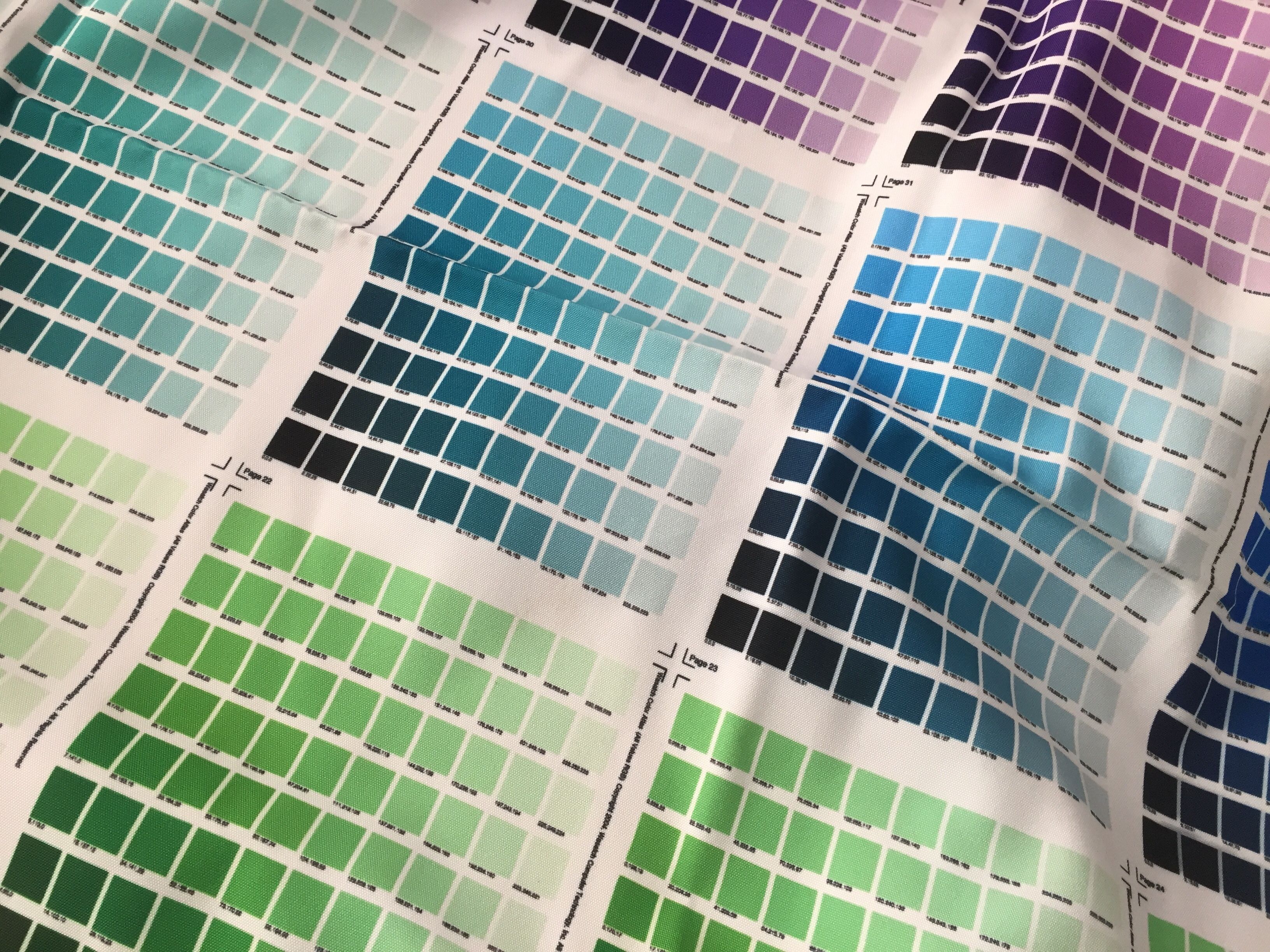
Summary. A buyer-ready review of photo pixel dimensions, provider file rules, repeat seams, AOP template coverage, focal placement, text, garment mockups, and proof approval for custom Hawaiian shirts.
Key Takeaways
- Judge a photo by pixel dimensions at its intended print size, not by how sharp it looks on screen or by a changed DPI label.
- Confirm each provider's format, color profile, resolution, file-size, and product-template rules before the artwork is scaled.
- Preview several repeats and inspect tile edges, garment panels, safe areas, bleed, plackets, focal images, and text.
- Treat the approved mockup and proof as a production gate. Demand metrics and a universal Hawaiian-shirt DPI rule are (not visible).
Direct Answer
A custom Hawaiian shirt photo artwork resolution checklist should verify the original photo's pixel dimensions at final print size, the printer's file rules, focal-image placement, spelling, repeat scale, full template coverage, garment mockup, and final proof. Buyers should approve production only after checking seams, plackets, colors, sizing, and small details; exact provider requirements must be confirmed because no universal Hawaiian-shirt DPI standard is visible.
Check Original Pixels At Final Print Size
Use the original file, not a screenshot or messaging-app copy. Compare its pixels with the photo area in the supplier's template. A changed DPI label adds no detail. Spoonflower shows that 576 x 720 pixels display at only 3.84 x 4.8 inches in its 150 DPI system.
Spoonflower says an 8 x 10 inch, 300 DPI file contains 2400 x 3000 pixels and displays at 16 x 20 inches at 150 DPI. Custom Ink notes that 500 x 500 pixels printed 10 inches wide yields 50 DPI. Ask the manufacturer for the final photo size and effective DPI. If inadequate, reduce or replace the image instead of stretching it.
Match File Rules To The Print Method
No universal public DPI requirement for photo-based Hawaiian shirts appears in the evidence pack. Spoonflower accepts JPG or PNG under 40 MB, uses preferred dimensions at 150 DPI, and recommends sRGB. Printify recommends 300 DPI for JPEG and PNG, permits 120-150 DPI for large products, caps those files at 100 MB, and does not recommend SVG for photographs.
Printful accepts PNG and JPEG up to 200 MB, calls 150-300 DPI ideal, and recommends 300 DPI for small, detailed products. Its 335 x 410 pixel example falls to 60 DPI over a 12 x 16 inch area. Obtain the manufacturer's current template and written rules, then verify format, pixels, effective DPI, profile, file limit, bleed, and print area.
Review Repeat Scale And Tile Seams
A sharp photo can fail when the repeat is too large, dense, or obvious. Use scale and preview controls before ordering. Spoonflower offers slider, dimension, and percentage controls plus swatch, fat-quarter, and yard previews. Review multiple views to judge subjects and the larger pattern rhythm.
Inspect every tile edge at high zoom and in a multi-repeat preview. Spoonflower identifies gaps, pale or unprinted areas, solid lines, and tile-shaped squares as possible flaws; its 50% Pattern Fill can show four basic repeats. No universal safe collage scale is visible, so approve scale from the actual template and preview.
Fit Artwork To The Hawaiian Shirt Template
The product template determines where photos are cropped, hidden, or split. ShopBase's provider-specific AOP Hawaii Shirt example uses a 10186 x 7005 pixel template at 150 dpi. Blue lines mark the safe area and red lines the full print area; artwork must cover the latter. Demand equivalent guidance from any supplier.
Keep focal content clear of collars, sleeves, side seams, pockets, buttons, and hems, and inspect every garment panel. ShopBase notes that overlapping plackets require duplicated and adjusted artwork. Use the supplier's center and assembly guides to check front continuity. Revise any face, logo, landmark, or text unintentionally crossing a seam.
Proof Focal Images, Text, And Color
Treat the garment mockup as an approval document. Tee Imprints says it may show placement, approximate size, garment color, and print location. Check artwork, style, placement, colors, missing elements, and spelling. Read every caption, date, name, and slogan, then compare the mockup with the supplied photos and order details.
Tee Imprints calls mockup sizes approximate and allows placement variation within 1 inch; do not apply that provider-specific tolerance elsewhere. Ask the supplier to document its tolerance. Lead Apparel says proofs typically show the product, placement, print size, Pantone references, and high-resolution artwork. Also compare the requested sRGB file, preview, and approved color references; no universal photo-color tolerance is established.
Approve The Proof Before Production
Create written sign-off for the source version, pixels, final scale, repeat and seams, template, print coverage, safe placement, placket continuity, focal image, spelling, style, color references, method, and mockup revision. Lead Apparel says digital proofs precede production and recommends checking placement, sizing, color references, small text, and detailed artwork.
Record the reviewer and accepted revision. Any later template, crop, scale, photo, text, color, or placement change requires a new proof. Keep it with the order files. Demand metrics are (not visible); the case rests on preventing documented production errors. Published by Aloha & Co, a resort wear, swimwear, and aloha shirt manufacturer.
Buyer Comparison
| Buyer check | Record before approval | Evidence example |
|---|---|---|
| Original photo | Pixels, final inches, effective DPI | 576 x 720 px becomes 3.84 x 4.8 in at 150 DPI |
| File rules | Format, profile, limit, provider spec | Rules range from 150 DPI to 300 DPI recommendations |
| Repeat | Scale, four-tile view, edge inspection | Lines, gaps, squares, or unprinted areas flag flaws |
| Shirt template | Safe area, full bleed, panels, plackets | ShopBase example: 10186 x 7005 px at 150 dpi |
| Mockup | Focal image, text, style, placement, colors | Compare every element with the order file |
| Proof approval | Revision, reviewer, date, production release | Reproof any post-approval artwork change |
Buyer Questions
What resolution should a custom Hawaiian shirt photo use?
No universal Hawaiian-shirt DPI requirement is visible. Confirm the specific manufacturer's template and print method. Pack examples range from 150 DPI fabric workflows to 300 DPI recommendations, but effective DPI at final size is the deciding calculation.
Can changing 72 DPI to 300 DPI fix a small photo?
Not by itself. Check the original pixel dimensions and intended printed inches. A changed label does not create missing image detail or make enlargement safe.
Should buyers use SVG for photo artwork?
Printify does not recommend SVG for photographs or mainly raster images and directs those files to JPEG or PNG. Confirm the chosen provider's accepted formats before submission.
How should buyers check an all-over photo repeat?
Preview several tiles, vary the scale, zoom into every edge, and look for gaps, light areas, solid lines, or squares. Then inspect the repeat on the actual garment panels and plackets.
What must be checked on the final garment mockup?
Check the focal image, crop, spelling, missing elements, shirt style, placement, approximate size, colors, seams, and front-placket continuity. Ask the supplier to state any placement tolerance separately.
When should production begin?
Release production only after the named buyer approves the final proof revision. Any later change to artwork, scale, text, color, crop, placement, or template should trigger a new proof.
Sources
- https://support.spoonflower.com/hc/en-us/articles/204600314-Uploading-Images
- https://support.spoonflower.com/hc/en-us/articles/9327411118349-150-DPI-The-Best-Resolution-for-Spoonflower
- https://support.spoonflower.com/hc/en-us/articles/204474630-The-Design-Layout-Page-and-Design-Previews
- https://support.spoonflower.com/hc/en-us/articles/205483316-Checking-for-Repeat-Flaws-in-Designs
- https://help.printify.com/hc/en-us/articles/4483617936657-What-type-of-print-files-does-Printify-require
- https://www.printful.com/blog/everything-you-need-to-know-to-prepare-the-perfect-printfile
- https://help.shopbase.com/en/article/aop-hawaii-shirts-design-guideline-1bm0jxf/
- https://www.customink.com/blog/image-resolution-guide/
- https://leadapparel.com/pages/artwork-review-and-proof-approvals
- https://teeimprints.com/pages/mockup-proof-approval-policy